
AWS DataSync is built to move large amounts of file and object data securely between on-premises storage, other clouds, and AWS services like Amazon S3, Amazon EFS, and FSx. If your migration plan depends on manual file transfers, you are already paying the tax.
Why E-Commerce Migrations Fail (The Boring Truth)
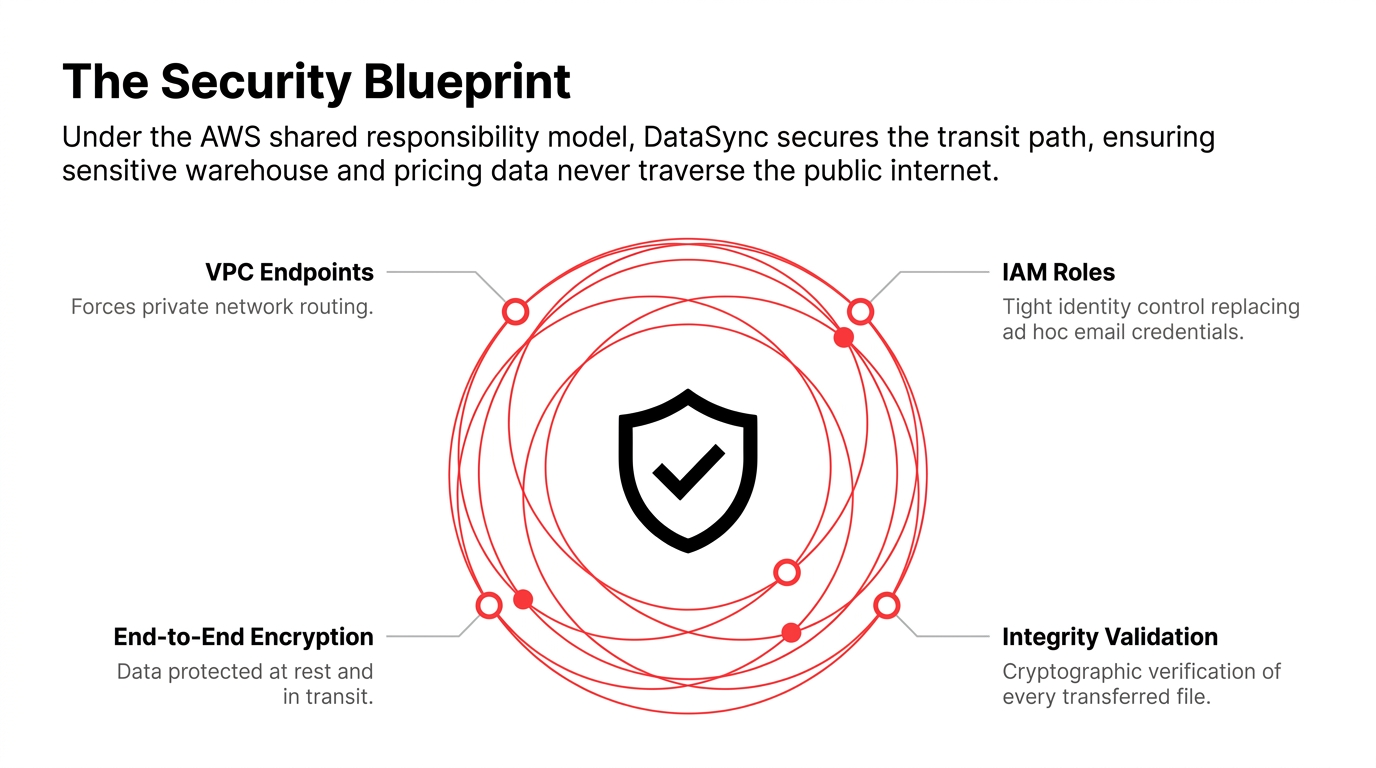
E-commerce migrations fail for boring reasons, not dramatic ones. You are not moving one neat database dump. You are moving product catalogs, image libraries, video assets, fulfillment files, archive data, and customer-facing content that must remain available while the cutover happens.
That matters because e-commerce data is messy by nature. Product images sit in one file server. Order exports live in another. Warehouse files sit behind SMB. And a tired operations team tries to stitch everything together while the business keeps selling.
The Real Problem
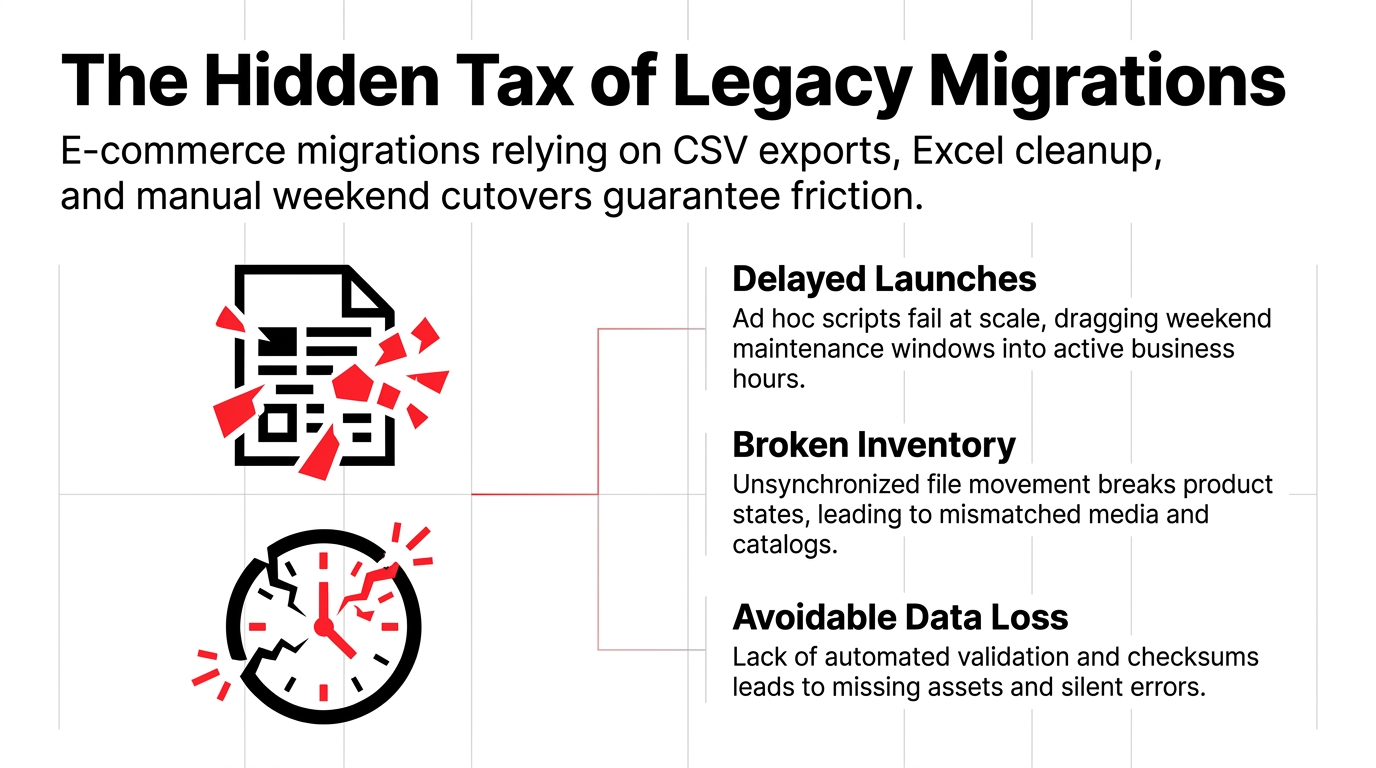
Hidden cost: $47,000-$200,000 per migration
AWS DataSync is designed for these file and object workloads rather than a one-size-fits-all database migration story. It automates the movement process and helps ensure the data arrives intact through encryption and data integrity validation.
What AWS DataSync Actually Does
AWS DataSync is a secure, reliable, high-speed file transfer service for moving file or object data to, from, and between AWS storage services. It supports common e-commerce source systems such as NFS and SMB file shares, and it can send data into AWS destinations like Amazon S3 and Amazon EFS.
The practical workflow is simple. You deploy an agent for on-premises transfers, connect source and destination locations, create a task, and then run or schedule transfers while monitoring them in the console or through Amazon CloudWatch.
For E-Commerce Teams
What You Can Move:
▸ Product media libraries
▸ Category assets and brand content
▸ Fulfillment and warehouse file drops
▸ Legacy archive data for compliance
▸ Batch feeds for analytics and downstream apps
The Security Model That Matters
Security is not an add-on in migration projects; it is the project. AWS states that security is a shared responsibility, meaning AWS secures the cloud infrastructure while you remain responsible for how you configure and protect your data, credentials, and access patterns.
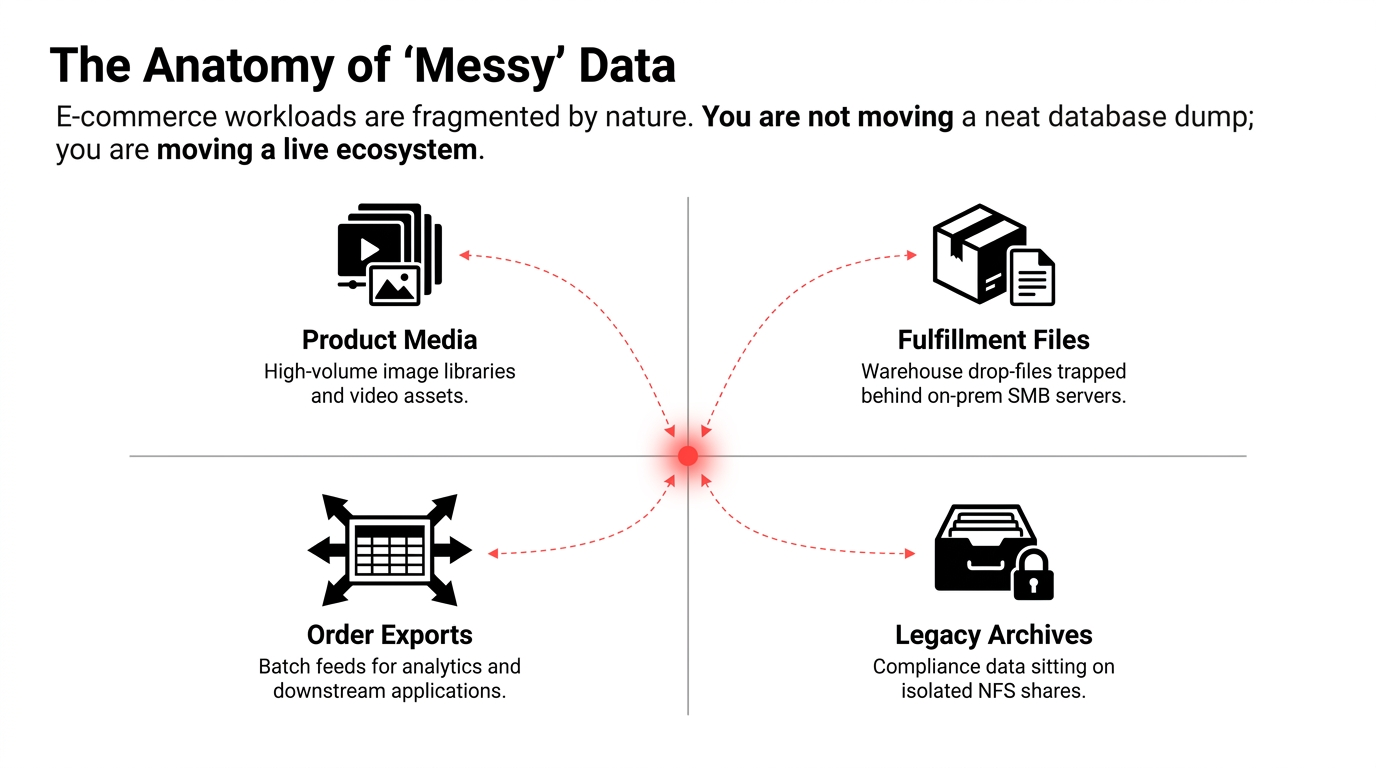
For e-commerce data migration, that translates into practical controls. DataSync supports end-to-end security features, encryption, and integrity validation, and it can use IAM roles and VPC endpoints so transfers do not have to traverse the public internet.
The Security Blueprint
VPC Endpoints
Forces private network routing
IAM Roles
Tight identity control replacing ad hoc email credentials
End-to-End Encryption
Data protected at rest and in transit
Integrity Validation
Cryptographic verification of every transferred file
That is especially important when you are moving customer-facing or operations-sensitive data. If your source files include pricing sheets, warehouse instructions, or fulfillment references, you want tight identity control and a transfer path that does not rely on ad hoc credentials passed around by email.
Migration Story: Mid-Sized E-Commerce Brand
Picture a mid-sized e-commerce brand that has grown beyond its original stack. The storefront is moving to a new AWS-hosted platform, product images are sitting on a legacy NAS, and the operations team has nightly exports from the warehouse system that feed downstream reporting. The team needs a clean migration with minimal disruption.
This is where DataSync fits. You point it at the source file systems, define Amazon S3 or Amazon EFS as the target, and create transfer tasks for each workload. Because DataSync can be scheduled and monitored, you can run pre-cutover syncs during business hours, then run a final delta transfer during the maintenance window.
Why This Matters
That matters in e-commerce because the first cutover is rarely the real cutover. Most teams need at least one rehearsal, one full sync, and one final delta pass. DataSync makes that process manageable instead of improvised.
Cost Structure: What to Expect
AWS DataSync pricing is pay-as-you-go and based on the amount of data transferred by the service, with no upfront costs and no minimum fees. AWS also provides tasks configured for Enhanced mode with an additional fee per task execution, and standard storage, request, and data transfer charges can apply for the AWS services involved.
The Price Drop
68% reduction announced:
$0.0125 per GB transferred
Total: $14,200 for 1TB migration
For e-commerce migration planning, that pricing model is easier to forecast than a custom migration toolchain plus engineering hours, especially when your data volume is large but uneven. A catalog site may only need a few terabytes of media moved, while a multi-brand retailer may need much more; the per-gigabyte model scales cleanly with that reality.
Where DataSync Fits (And Where It Does Not)
DataSync is a strong fit for file-based and object-based movement. It is not the same thing as a full application migration, and it is not a replacement for a database replication strategy when your problem is relational data consistency. AWS positions it as a way to transfer file and object data between storage systems and services, not as a universal migration tool for every layer of your commerce stack.
Cleanest Use Cases
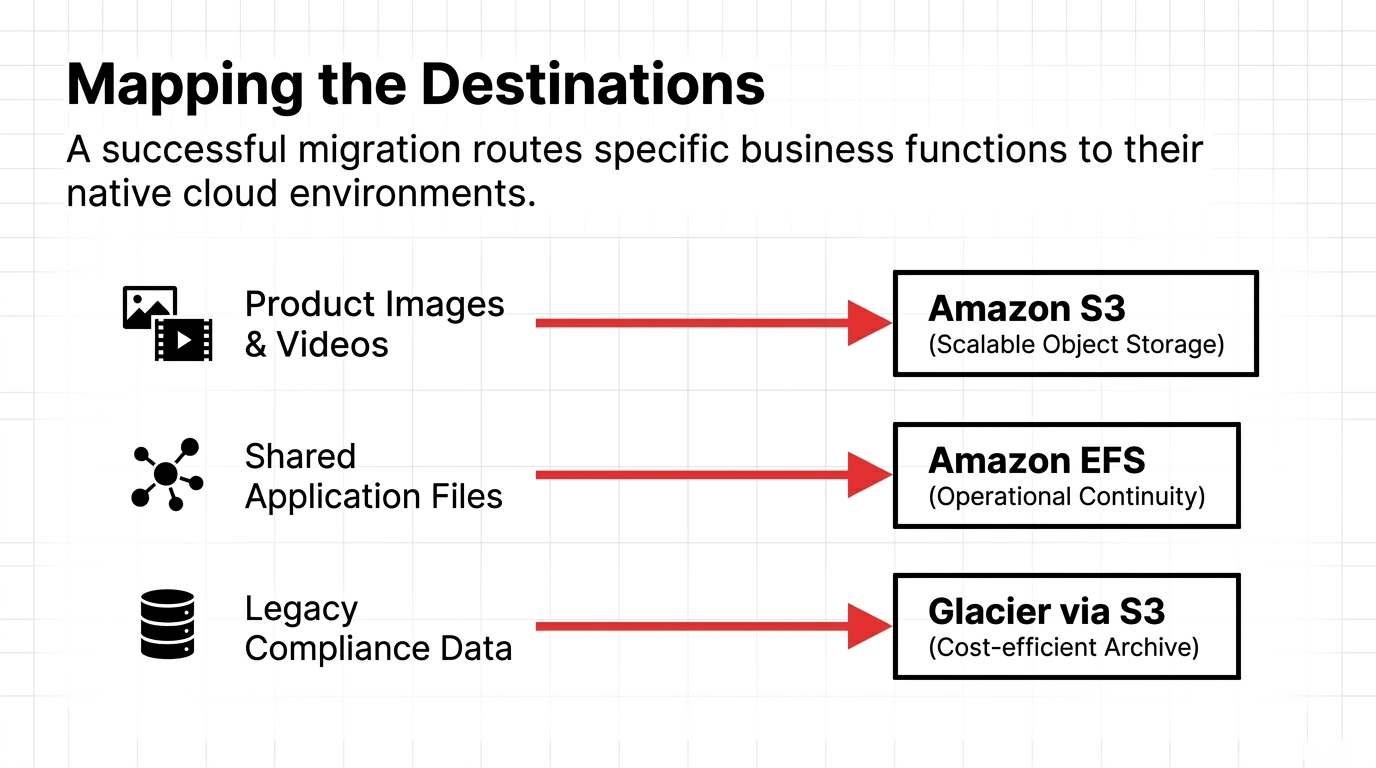
✓ Product images and videos into S3
✓ Shared app files into EFS
✓ Archive data into Glacier-backed storage classes
✓ Standby file system copies for operational continuity
If your e-commerce platform also includes application databases, payment workflows, or identity systems, those need separate migration planning. The mistake is assuming one service can solve everything. The better approach is to use DataSync for the file and object layer, then pair it with the right tools for databases and application state.
Execution Checklist
Before you start, map the data by business function. Separate product media, order exports, warehouse files, and archive content, because each may need a different destination and validation approach. AWS DataSync supports task creation, scheduling, monitoring, and reporting, so you should define each transfer as a controlled unit rather than one giant "move everything" job.
A Practical Sequence
- 1. Inventory the source locations and file types
- 2. Decide whether each target belongs in S3, EFS, or FSx
- 3. Deploy a DataSync agent for on-premises sources if needed
- 4. Run a test transfer on a small dataset
- 5. Validate file counts, checksums, and permissions
- 6. Schedule the bulk migration
- 7. Run a final delta sync before cutover
- 8. Monitor execution and archive the task reports
That workflow reduces surprises. It also creates an audit trail, which matters when the migration is reviewed by security, operations, or leadership after the fact.
A Safer Operating Pattern
The strongest pattern is to treat migration as a staged operations project, not an IT side quest. Use DataSync to move the file data, use AWS security controls to limit who can create or modify transfer tasks, and use VPC endpoints when you want to avoid the public internet path.
This is where e-commerce teams save themselves from self-inflicted problems. The common failure is not "AWS was too hard"; it is "we moved too much at once, did not validate enough, and assumed the file server would behave like a database backup tool." DataSync works well when the plan is disciplined and the scope is honest.
Key Insight
For AWS DataSync for E-Commerce Data Migration, the real value is not just moving files faster. It is moving the right files, with less risk, better auditability, and a much cleaner cutover path than manual scripts can deliver.
Ready to migrate without the downtime?
Braincuber helps e-commerce teams migrate to AWS with zero data loss and minimal disruption.
Schedule Your Migration Assessment