
Why This Demo Exists
If you run a team in the US and you are still trying to "visualize" how AI could fit into your daily operations, you are already behind the companies that are testing it in production. We built this industry-specific AI demo compilation so you can watch concrete workflows, not buzzwords, and decide where to start in your own org.
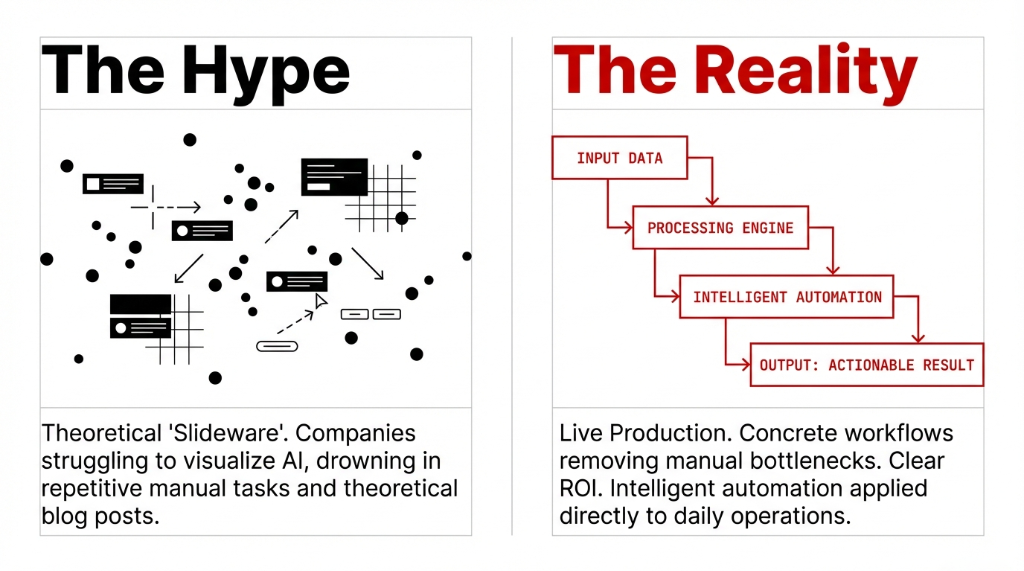
Every clip in the video comes from real projects where we used marketing AI, AI assistant workflows, intelligent automation, and social media AI to remove manual work from teams that were drowning in repetitive tasks. Instead of another theoretical AI blog post, this is a guided tour through live systems across healthcare, marketing, customer service, banking, telecom, and e-commerce.
What You Will Actually See
The compilation is broken into short segments so a VP of marketing, a COO in healthcare, or a Head of Customer Service can jump straight to relevant examples. In most segments, an AI assistant or copilot sits on top of enterprise data, using generative AI and AI analytics to propose actions, not just answer questions.
You will see AI video overlays where interface clicks are combined with AI generated content to show exactly how an agent moves from prompt to outcome. In several parts, we pause to explain what data is flowing through the AI platform, which AI infrastructure it runs on, and how project management AI keeps the whole thing stable in production.
6 Segments. 6 Industries. Zero Fluff.
1. Marketing and Content
AI content creation that ships daily ads, landing pages, and social posts while staying on brand.
2. Customer Service
AI copilots handling first-line questions and routing edge cases to humans.
3. Healthcare
Visual AI reading imaging reports, patient history summarization, drug interaction flags.
4. Banking and Fintech
Loan pre-scoring, KYC summarization, transaction anomaly detection with clear controls.
5. Retail and Telecom
AI product recommenders, post-purchase support chat, churn prediction, and billing AI.
6. Management and Reporting
AI copilots for executives answering "Which three plants have the worst scrap rates?" without a BI tool.
Segment 1: Marketing and Content Teams
We start with the group that moves the fastest: growth and brand teams. In this part of the video, marketing AI is not about fluffy headlines. It is about AI content creation that can ship daily ads, landing pages, and social posts while still staying on brand.
You will see an AI assistant connected to product data, campaign performance, and audience segments, acting like a copilot for the marketing manager. We show AI content generation for paid ads, AI for content creation for email sequences, and social media AI that drafts posts, picks visuals, and adapts tone by channel while a human owner only approves and tweaks.
AI Video Workflows in Action
Draft Concepts: AI generate video tools spin draft concepts from product briefs.
Localization: AI create video tools localize messages for different US regions.
Blog to Clips: AI video creation converts a blog into short clips for A/B testing.
Platform Choices: We compare a pure-play AI platform with Microsoft AI services running on Azure, using API connectors to CRM and analytics.
Segment 2: Customer Service and Operations
Customer service is where automation and AI start printing money if you do it correctly. In this segment, we show AI customer service systems that do more than spit out templated replies. They look at order history, sentiment, and policy data to propose refunds, reships, and escalation paths.
What You Will See
AI copilots handling first-line questions while routing edge cases to humans. AI and customer service together improving response time and cutting handle time without turning every interaction into a bot.
AI analytics across chat logs highlighting broken processes that cause repeat tickets, so operations can fix root causes instead of just adding more agents.
AI document workflows reading contracts, warranties, and support SOPs, turning them into a knowledge base that customer-facing bots can query. Routine approvals and checks moving from human queues into AI automation pipelines.
Segment 3: Healthcare and Life Sciences
If you work in healthcare in the US, you have already heard every vendor pitch AI in healthcare as the future. The demo cuts through that by showing live flows where AI sits beside clinicians and staff instead of trying to replace them.
Live Healthcare AI Workflows
Visual AI reading imaging reports with overlays showing accuracy and audit trails.
AI data summarization condensing long patient histories before a visit, flagging drug interactions or missing lab tests.
AI training tools for clinical staff where AI builds realistic case scenarios and patient education material adapted to reading level.
The global AI in healthcare market is worth tens of billions and expected to grow several-fold over the next decade. Watching real workflows matters more than another hype deck. Overlays explain how AI statistics like accuracy, false positives, and audit trails are tracked so compliance teams and hospital leadership can trust what the system is doing.
Segment 4: Banking, Fintech, and Security
Banking and AI tend to provoke fear because nobody wants a black-box model messing with compliance. So in this part of the compilation, we focus on AI for financial services that has clear controls, approvals, and logs.
Banking AI Workflows:
▸ Pre-scoring loan applications with explainable models.
▸ Summarizing KYC documents automatically.
▸ Flagging transaction anomalies with detection AI.
Security Operations:
▸ AI assistant helping SOC analysts prioritize incidents.
▸ Research AI pulling context from threat feeds and knowledge bases.
▸ Proposing actions the human can accept or modify. Never autonomous.
Statistics AI dashboards show where the models perform well and where they need retraining. If your AI system sells into US finance and cannot pass that scrutiny, you are done.
Segment 5: Retail, E-Commerce, and Telecom
If you run an online store, you will probably skip straight to the AI e-commerce clips. We show AI for business in merchandising and pricing, AI in industry logistics flows, and AI for enterprise search that finally stops your team from living in twenty different dashboards.
Retail and Telecom AI in Action
Product recommenders building personalized bundles based on browsing behavior.
AI service chat for post-purchase support, handling "Where is my order?" without bouncing across six tools.
Fulfillment AI cutting mis-picks and reducing re-ship costs for a US retailer.
Telecom AI routing calls, predicting churn, and feeding customer service bots with live network status.
Segment 6: Management, Reporting, and Cross-Industry Views
One theme across the video is simple: leadership wants AI answers, not another dashboard. In this section, we show AI for managers who need fast, defensible views on revenue, risk, and operations metrics.
AI Management Copilots
Inside email or chat: Answer questions like "Which three plants have the worst scrap rates this quarter?" without logging into a BI tool.
AI statistics views: Show adoption, accuracy, and ROI by department so executives see where AI is actually moving the needle.
Program governance: Project management AI tracking multiple AI initiatives, infrastructure monitoring watching GPU cost and latency, and portfolio management for CFOs and CIOs.
How the Demos Are Built
Throughout the compilation we pause and briefly explain the stack. Sometimes we use Microsoft AI services with a copilot pattern on top of internal data. Other times we lean on a generative AI platform plus custom API layers.
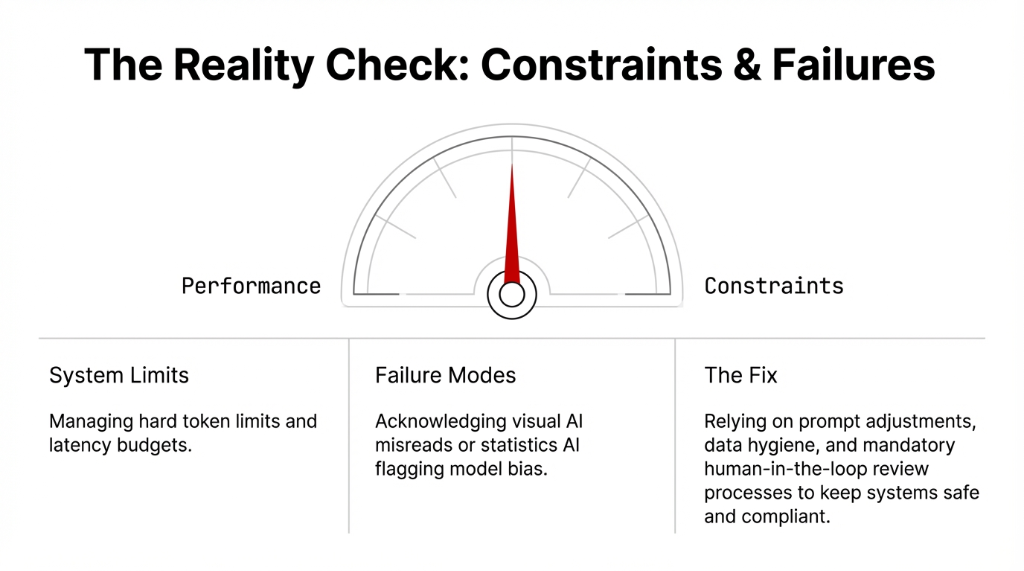
When we say "most advanced AI" in a segment, we back it up with real constraints: token limits, latency budgets, and detection AI checks on output quality. Not just marketing claims.
We also show how teams create AI assets in a controlled way. That includes AI generated video explainers, AI generated content for training sets, and AI content that is clearly labeled so compliance and legal do not panic later. We point out generative AI examples that did not work on the first try, so your own teams do not romanticize the build process.
Who Should Actually Watch This
This Is Not a Theory Lecture
For operators: If you are learning about AI for the first time, this demo shows AI in industry across healthcare, banking, retail, telecom, and SaaS. Pick a clip that maps to your world.
For training leads: If you are planning AI training for your org or building a course path for managers. Pause on any clip and discuss how AI learning should look for frontline staff.
For individual contributors: Watch how people are making videos with AI for documentation, creating AI video clips for internal updates, and building recurring executive reviews instead of writing another static deck.
How This Helps Your AI Roadmap
Most teams we meet are stuck between "we need to start using AI" and "we do not want to break anything or trigger a headline." This compilation closes that gap by showing concrete AI video flows, AI creating videos for onboarding, and AI video embedded directly into operations dashboards.
You will see AI make video explainers for SOPs, AI for business review prep, and AI answers to complex what-if questions that would normally take a week of Excel. Instead of a generic "AI in industry" keynote, you get a camera into live systems where AI automation is already moving budget lines.
We also talk openly about AI detection and failure modes. You will see where visual AI misreads a chart, or where statistics AI flags bias in a model, and how teams adjust prompts, data, or review processes to keep AI for security, AI in healthcare, or banking AI inside acceptable risk.
How Braincuber Fits Into This
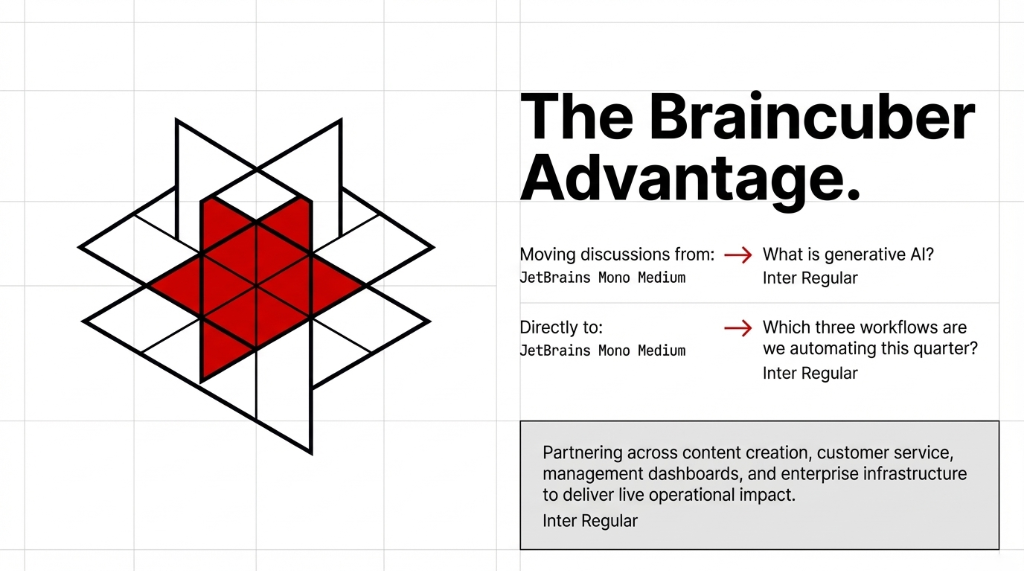
We did not assemble this demo reel as a hobby. As an AI partner to brands and enterprises, we use it in workshops to move discussions from "What is generative AI?" to "Which three workflows are we automating this quarter?"
Our work spans AI for content creation, AI customer service, AI for managers, and AI for enterprise infrastructure. When a US brand needs AI in marketing support, AI and automation for supply chain, or AI for work in internal operations, we bring a practical view instead of a slideware roadmap.
If you are exploring AI for business, AI in video, or AI healthcare pilots, this video is the fastest way to calibrate your expectations. By the end, you will have seen enough generative AI and intelligent AI examples to know what is fantasy and what can go live in a quarter.
FAQs
How should I watch this industry-specific AI demo video?
Treat it like a working session, not a keynote. Pick two or three segments closest to your role, pause often, and note where AI workflows match your current bottlenecks. Then shortlist 3-5 concrete pilots you could test in 90 days.
Is this relevant if we already use basic chatbots?
Yes, because most chatbots barely touch AI integration with your core systems. The demos show AI assistant, AI copilot, and AI program patterns tied into CRM, ERP, ticketing, and analytics, so you can see what a deeper automation layer actually looks like.
Which industries get the most value from these demos?
We cover AI in healthcare, banking and AI, AI e-commerce, telecom AI, and AI in marketing across B2B and B2C. If you have repetitive knowledge work, regulated data, or complex customer journeys, you will find at least one clip that maps to your world.
Can my team use this video for internal AI training?
Yes. Many clients use it as an AI training aid or informal starting point. Managers play tutorial segments in team meetings, then run workshops to decide which AI for automation or AI for content creation pilots to prioritize.
How do we move from watching to implementing?
After the video, list three workflows where AI could remove at least 10 hours a week of manual effort. Then scope an AI generation pilot, define statistics and guardrails, and deploy a small, measurable project.
List Three Workflows. Then Hit Play.
If you cannot name three workflows where AI could cut 10+ hours of manual effort per week, you have not done the homework yet. Watch the demo. Then book 15 minutes with us. We will tell you which of your three is worth building first. No slide decks. Just a blunt conversation.